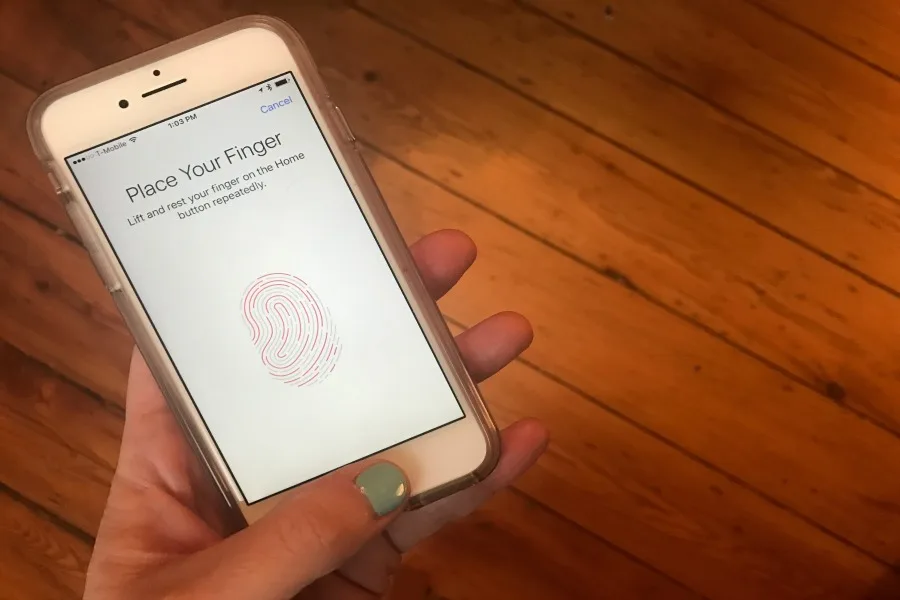
You’re probably familiar with the emergency call feature on the iPhone, which you might have seen if you temporarily forgot your passcode or had a child attempt to do it incorrectly multiple times. But you might not know that you can add additional fingerprints to your Touch ID, adding another level of emergency coverage just in case.
Whether you want to add a child, a partner or spouse, or just another one of your own fingers (hey, you never know), here’s how.
Related: How to turn off your iPhone location settings and why you should
How to add additional fingerprints to Touch ID
1. Settings > Touch ID & Passcode
2. Enter your passcode (the same one that unlocks your phone)
3. Fingerprints > Add a fingerprint
4. Then, you’ll be prompted to complete the same process you did when you set up your own, which involves moving your finger in different positions on your home button. That’s it!
Related: In case of emergency: How to set up Medical ID on your iPhone
I’d suggest renaming the fingerprints you add (simply click on each them to edit) so you can keep track of who’s who. Now, you know that in a case of an emergency, your closest family will be able to access to your phone if they need it.


Leave a Reply