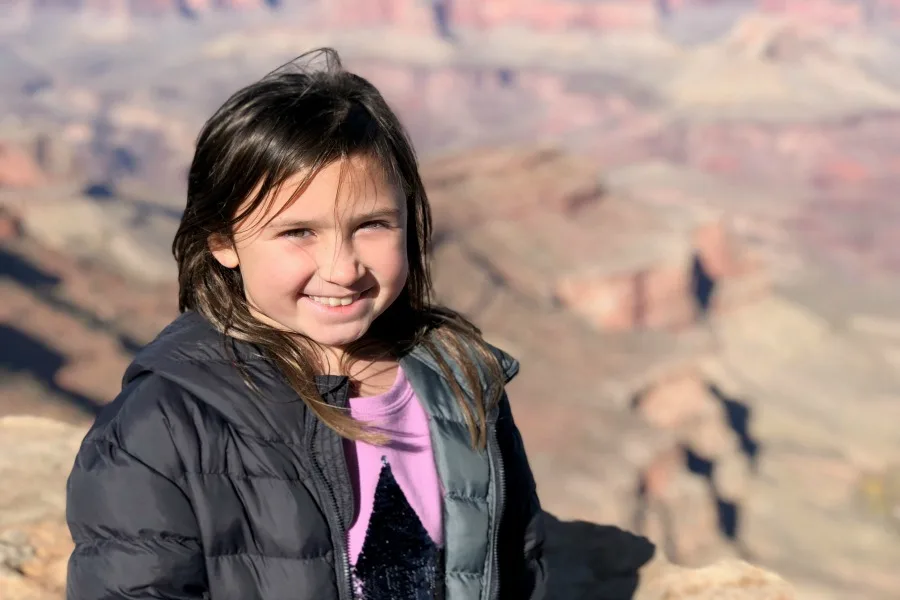
Over the holiday break, I took my family on a trip to Sedona, Arizona and the Grand Canyon, and thanks to my fantastic iPhone 8+ camera with Portrait Mode, I’ve got some fantastic photos. But, as I quickly discovered after some trial and error, Portrait Mode doesn’t work for everything.
Sure, that might seem like an obvious statement, but when you see the quality of photos you get using Portrait Mode, you’re going to want to use it all the time. However, it’s meant to do what it says: take portraits.
If you’re not sure whether you should flip to Portrait Mode, or just take a regular Live Photo (or square), ask yourself this simple question: Does the background matter?
Related: A cool camera app for black and white photo lovers
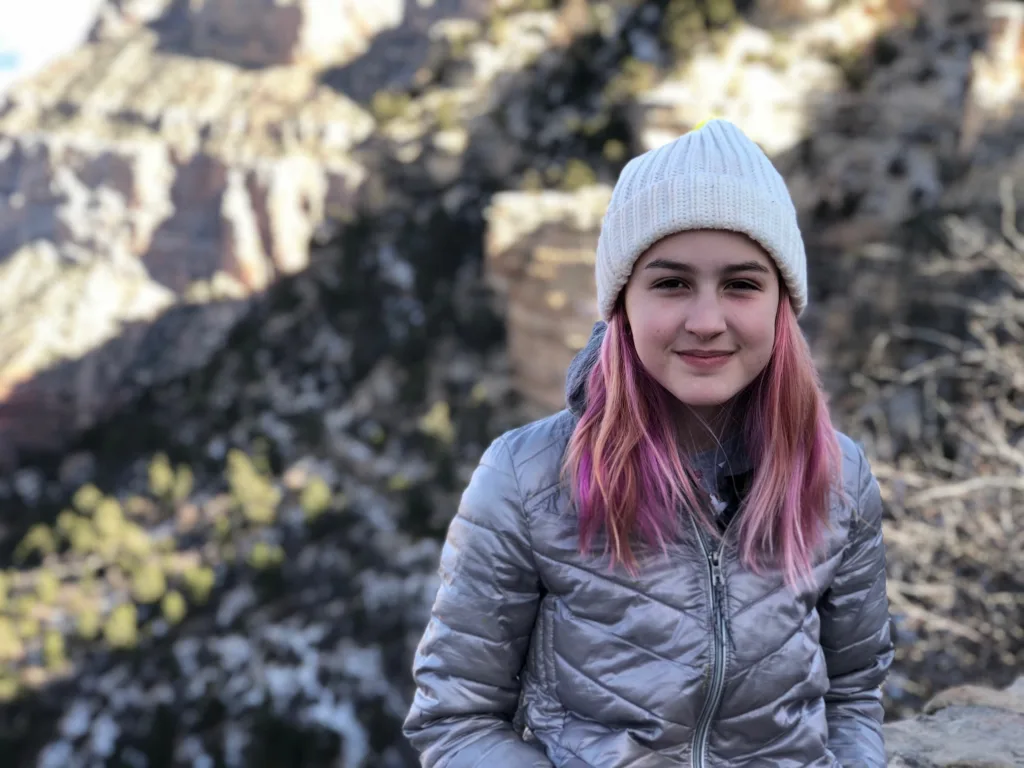
Awesome photo… of my daughter. What’s that fuzzy background behind her?
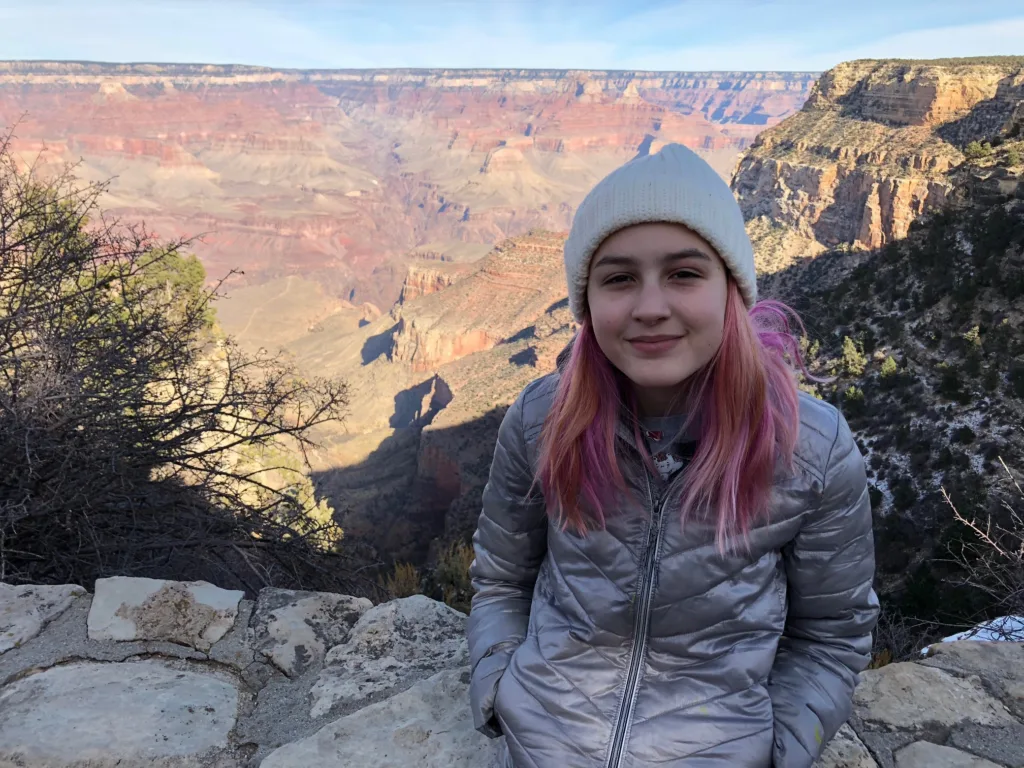
Oh hey, look! It’s the Grand Canyon!
Related: How to take better pics of your kids and family
See, I found myself taking some killer portraits of my kids at the Grand Canyon except most of them don’t have the Grand Canyon in focus in the background, because, duh. I used portrait mode. The focus is the subject, not what’s behind them.
So, if you want the focus to be on the subject of your photo, whether it’s a person or object, use portrait mode. But if the background of the photo is important, you’ll want to use your regular camera feature.
Of course, there are other factors to take into consideration, like light and distance, just to name a couple. However, if you know that you care about seeing what the people (or things) in your photo or standing in front of, you can eliminate Portrait Mode pretty quickly.


Leave a Reply