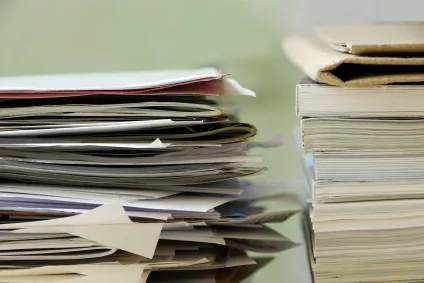
Right now I’m staring at piles of papers and receipts that have no business being on my desk, especially since there are so many cool tech gadgets out there that will get me paper-free in a snap. So I’ve decided that before the holiday rush hits, I’m going to get rid of as much paper as I can.
Here, I’ve rounded up some of the gadgets and websites that helped me as much as I hope they’ll help you.
Websites: Hello Fax and Hello Sign
I can’t tell you how much Hello Fax has saved me from printing out papers, because it allows you to upload documents already on your computer, fill them out, and then fax or email them. They’ve even added Hello Sign, a service that allows you to sign and send documents online. Between these two services, I’m saving on printing ink and paper every month not to mention the cost of a separate fax line.
Gadgets: Doxie and NeatReceipt
These days, a scanner doesn’t need to take up an entire shelf in your office. With gadgets like Doxie (and their new Doxie One scanner) and Neat Receipts you can hold them in the palm of your hand, even pop them in your handbag, and then scan from anywhere (yes, even your car) without your computer nearby. And thanks to included software, you don’t even need to organize them once they’re uploaded. It’s all done for you.
Apps: Jot Not and Document Scanner

Thanks to smart phones, you can actually use apps like Jot Not and Document Scanner to scan your paperwork and then transfer them to Dropbox or wherever else you might organize your documents. Though sometimes the quality won’t be as great as if you used a proper scanner, they definitely work in a pinch. Then you’ll want to transfer them from your photo gallery or inbox so they don’t cause clutter somewhere else.


Leave a Reply