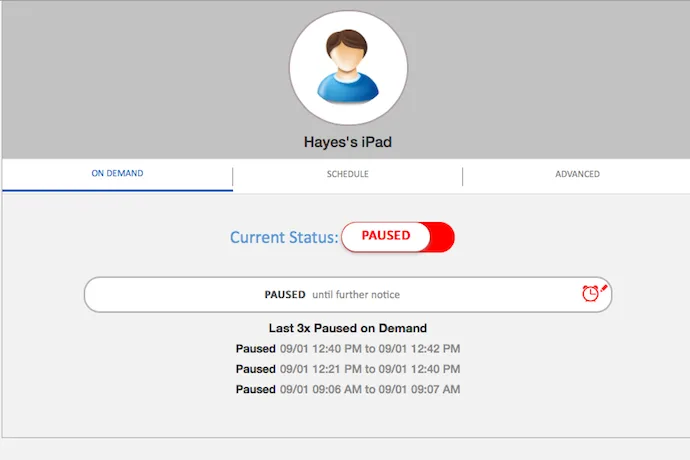
It’s hard enough to juggle the after-school routine of dinner, signing homework folders, and making sure the laundry is done for tomorrow, not to mention screen time management. But lately I’ve been using the free Screen Time Manager app (for iOS or Android), and it’s been a big help.
When you connect your kids’ devices to the app manager, you can create schedules that automatically shut down their devices at certain times: say, at 7:00 am when it’s time to start getting ready for the bus to arrive, or at 6:30 pm when you’re planning to have dinner on the table.
In desperation, you can also manually pause their devices from your own phone or laptop, you know, for those moments when they’re not pulling away from the screen to listen to you. Though, it does not help for the arguments and tantrums that might ensue.
Related: 6 screen time management solutions that work, from been-there-done-that parents
When their devices are in “off” mode, they aren’t completely locked. Instead, certain targeted apps kids are drawn to — like Netflix, games like Minecraft or FNaF, their Internet browser, and the app store — disappear until you turn it back “on” again. And you can do it all remotely — so if you want to limit their time even when you’re not home, you can.
Their algorithm for figuring out which ones to shut off is pretty good, but not perfect. One game app slipped through the cracks and was still active on my son’s iPad when it was in off mode. That said, for a free app, this is a pretty handy tool to help parents get some extra control over their kids’ screen time schedules.
Download the WebWatcher Screen Time Manager app at the iTunes or Google Play store today to start scheduling your kids’ screen time.


Leave a Reply