Here's what you need to know about IGTV
June 21, 2018•2 min read
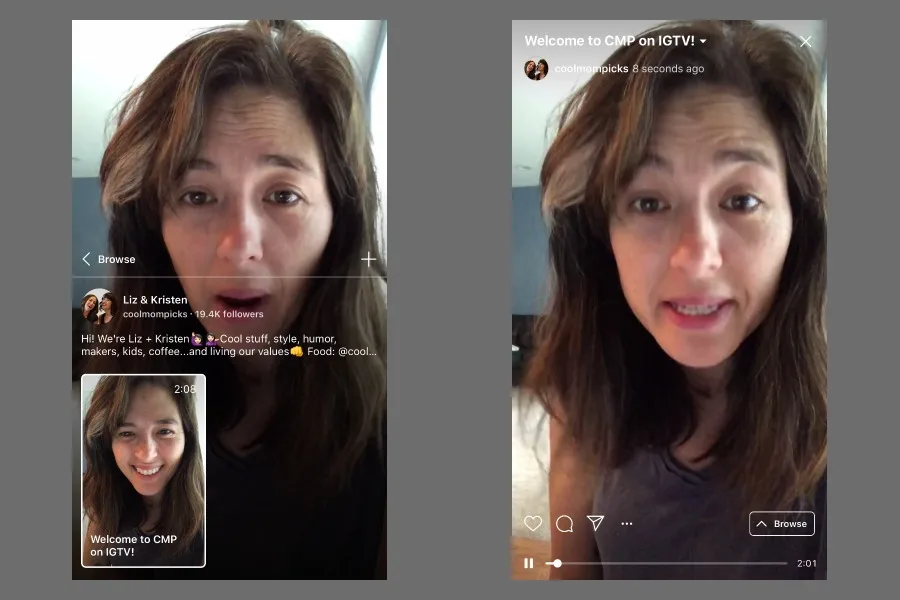
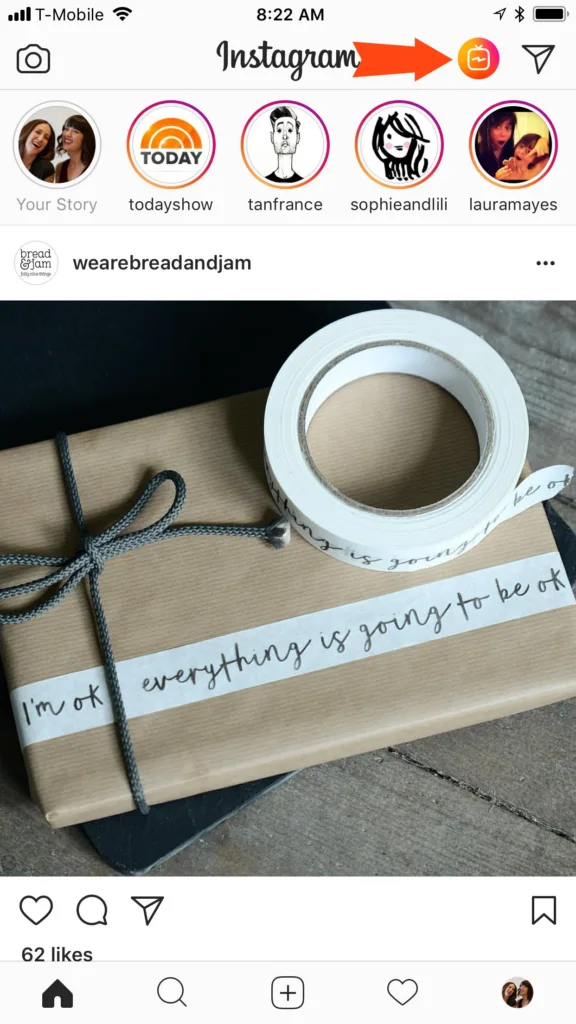
If you noticed a new little TV icon at the top of your Instagram feed, then you've already discovered IGTV (Instagram TV), a new app from Instagram that allows users to upload longer form videos for their followers to watch. And yes, it sounds like YouTube because it pretty much is, except, on Instagram.
Related: Poll your friends with the new Instagram emoji slider
Related: 2 features to help make Instagram a safer place
Once you click that little TV icon (or the banner across the top - have you noticed that yet?), you'll be able to browse video content from a variety of sources depending on what tab you click on. The "For You" tab showcases videos from your followers as well as from folks you aren't following, presumably based on some algorithm. Let's just say we're not following Kim Kardashian West but lo and behold there's a video of hers in our For You Tab. To avoid that, just click the "Followers" tab, which is allows you to see everything from everyone you follow. You can also click on the "Popular" tab pretty easily, in case you want to see what everyone else is watching. And yes, you can type specific handles into the search bar. You can leave comments on the videos, which then pop up as regular comment notifications. If you want to share video on your own feed, you need claim your channel (which is literally just tapping on your own icon once you get into IGTV) to upload it from your camera roll (so pre-recorded video only), and then add a title and description. For now, it's optimized for vertical video, so hooray for those of you who always forget to flip your camera to landscape before you shoot.Related: How to make Instagram Story ombré text overlays
All this to say, if you thought Instagram was a time suck before, go ahead and triple that now. And while there are no ads yet, let's all be honest here and say that we all know they're coming, which hey, could be awesome for publishers. We'll be curious to see how publishers use this platform, although there's already an amazing amount of content already there that's clearly been optimized specifically for IGTV. Including ours! You are following us on Instagram, right?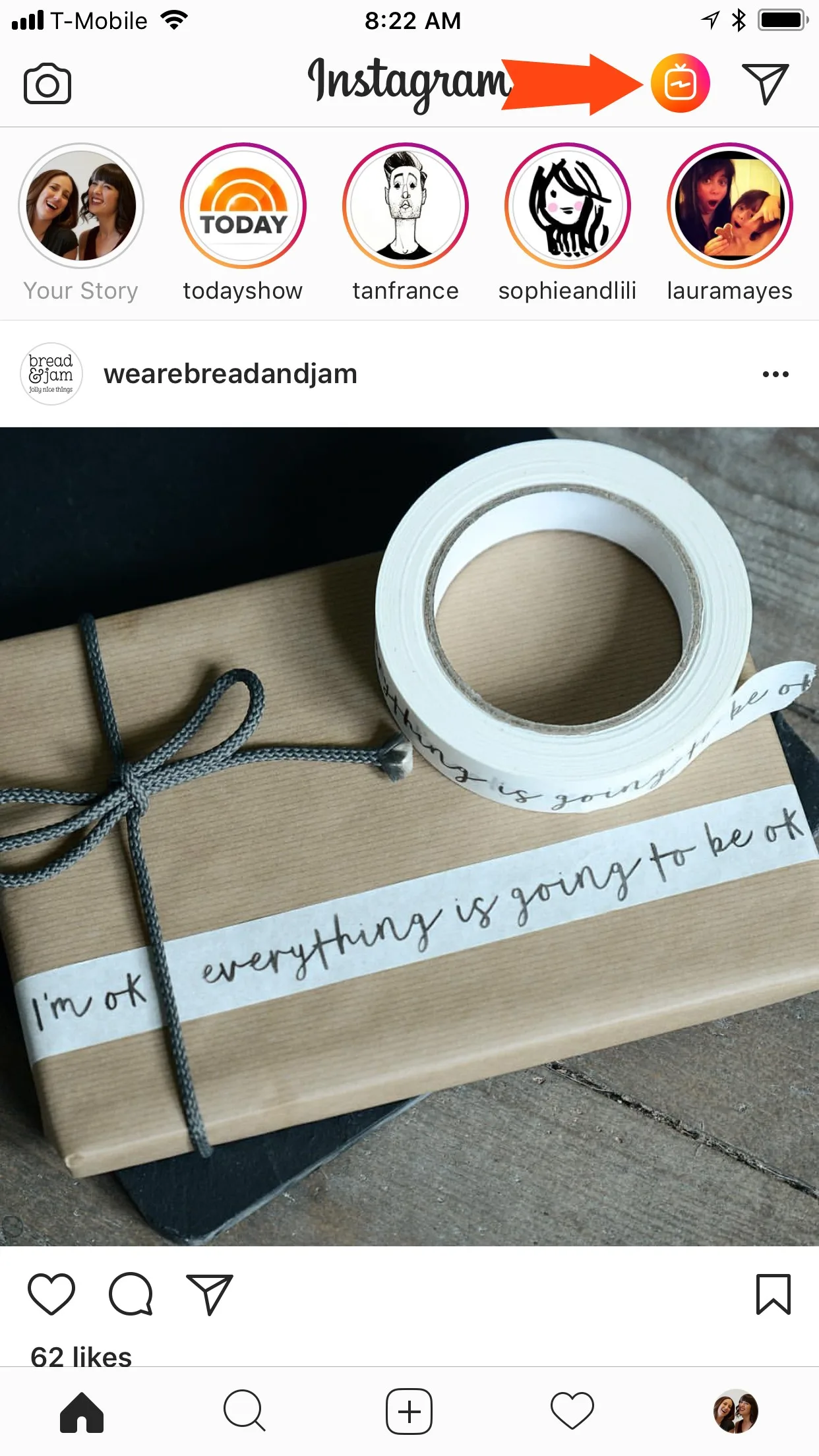
Note: This is imported sample content. Original source.