
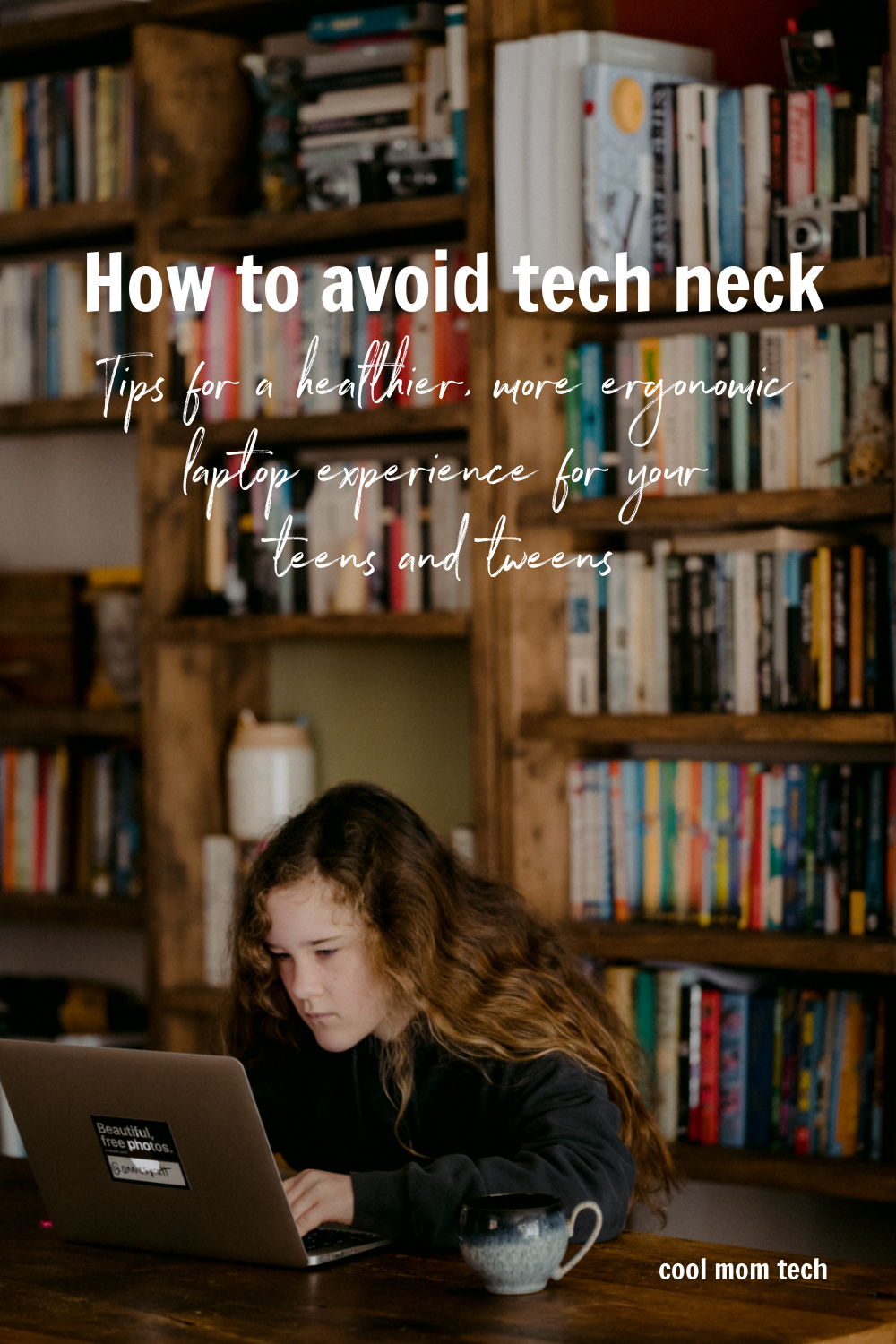
If your kids are using a laptop or Chromebook for their schoolwork (or gaming), there are a few simple things you can do to help them avoid tech neck. Yes, it’s totally a thing (says the person who’s on her computer most hours of the day).
Here are our tips, tricks, and gadgets that you’ll be glad to know about for a more healthy, ergonomic experience working on those laptops and computers.
Updated for 2022
Read this post about blue light glasses. Do kids need them?
 This post contains affiliate links and some products may generate a small commission to support our work at no additional cost to you.
1. Make sure the laptop or chromebook is at eye height. As tempting as it might be for your teens or tweens to sit on the couch or in bed, it’s actually pretty terrible for their necks. If you’ve got a designated work space for them, consider investing in a laptop stand, like this highly-rated option that even has a photo stand too, which will help raise their laptop up to their eye level. You can also easily store it in the cabinet or shelf, and they can just pull it out when they’re working at the kitchen table (which is what my kids do).
2. If you’ve got their computer on a stand, an ergonomic keyboard is a good idea, like this one that’s pretty popular with tech users. Not all keyboards are created equal; an ergonomic one is actually created to ensure the user’s hands are in a comfortable position. The same goes for an ergonomic mouse as well. This one from Logitech is on the pricier side but the reviews are fantastic. It’s a worthy investment if your kids are on their computer a fair amount, which seems like the case for most kids (but especially kids who are doing online school).
3. Along with a good chair, make sure your kids know the importance of taking breaks. The 20-20-20 rule is extremely effective and it’s so easy to remember: Take a break every 20 minutes and look 20 feet away for 20 seconds. This helps rest their brains and their eyes. It’s also not a bad idea for them to get up and move around, too — though I know that can be tricky, if your kids are like mine and use their laptops for Minecraft or other gaming.
Keep in mind, these tips aren’t just for tweens or teens. If you’re like me and happen to work on a computer all day long, these are important tips to consider for yourself, too.
Photo by Annie Spratt on Unsplash


Leave a Reply